 MarkerShelf
Free tool · YouTube links at a time
YouTube timestamp link generator
Paste a YouTube link, type the time and copy a link that starts right there. Paste a list of times to get a link for each one, plus Markdown and YouTube chapters.
- Free
- No sign-up
- Nothing leaves your browser
Nothing you type leaves your browser. The links are made on this page, with no sign-up.
How to link to a specific time on YouTube
A YouTube link starts at a given second when it carries a time. The tool above adds it for you, but the rules are simple.
-
?t=83
Short links
youtu.be/IDtakes?t=83, the time in seconds. -
&t=83s
Full links
youtube.com/watch?v=IDtakes&t=83s.&t=1m23sworks too. -
?start=83
Embed links for websites
youtube.com/embed/IDuses?start=83instead, and can add&end=95so the video stops there.
On a computer, YouTube can make the link for you: pause at the moment, click Share and tick “Start at”, or right-click the video and choose “Copy video URL at current time”.
Use this page when you already have a link, want an exact second, need an end time for an embed, or have a whole list of times to turn into links.
On iPhone: a link at the current time
In the YouTube app, pause at the moment and tap Share. If you see a switch with the current time (for example 2:30), turn it on and tap Copy link: the link starts at that second. No switch, or want another second? Three steps do it:
-
0:01
Note the time
Pause the video and read the time under the player, for example 4:31.
-
0:02
Copy the link
Tap Share, then Copy link.
-
0:03
Make the timestamp link
Open this page in Safari, paste the link, type the time and tap Copy next to the short link. Paste it wherever you want to send it.
It works the same way on Android and on a tablet: any browser will do, and nothing needs to be installed.
Why a timestamp link doesn’t work
If a link opens at 0:00 instead of your time, one of these is usually the reason.
It’s a Short
The Shorts player may ignore the start time. For Shorts the tool puts a normal watch link first, which opens the video in the regular player.
It opened in another app
Some apps and in-app browsers open the video from the start. Open the link in your browser or in the YouTube app instead.
An ad played first
An ad can play before the video. The video should still start at your time once the ad ends.
It’s part of a playlist
With list= in the link, YouTube may start somewhere else in the playlist. The tool removes the playlist part.
The time is past the end
If the time is later than the video’s length, YouTube starts at 0:00. The tool can’t check the length, because it never contacts YouTube.
The link had extra codes
Parts like si= or feature= don’t set the time, and an old t= can clash with a new one. The tool removes them and keeps one time only.
Turn a list of times into YouTube chapters
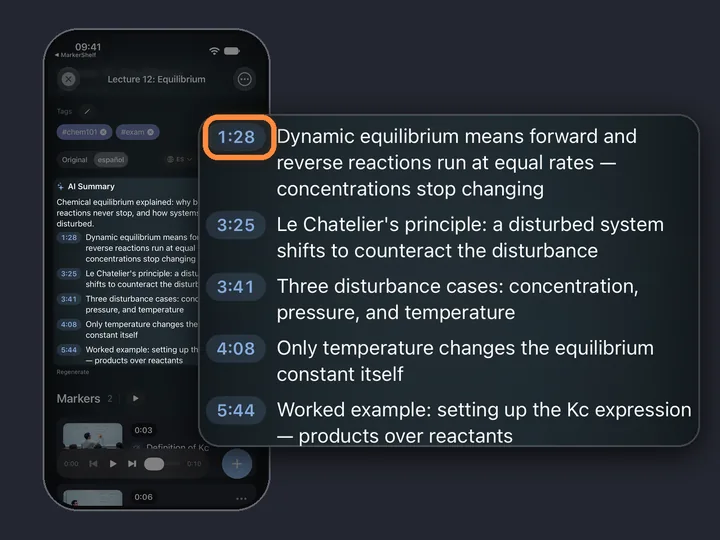
Switch to “List of timestamps” and paste your notes or a video description. Each line with a time becomes a row with its own link, and the tool also writes a Markdown list and a chapters block for the video description. YouTube shows chapters only when the list follows its rules.
The tool checks each rule and tells you which one fails. If the times are out of order, “Sort by time” fixes it.
- the first chapter starts at 0:00
- there are at least 3 chapters
- each chapter is at least 10 seconds long
- the times go from earliest to latest
iPhone and iPad · MarkerShelf
Want to keep the moment? Save it with a note
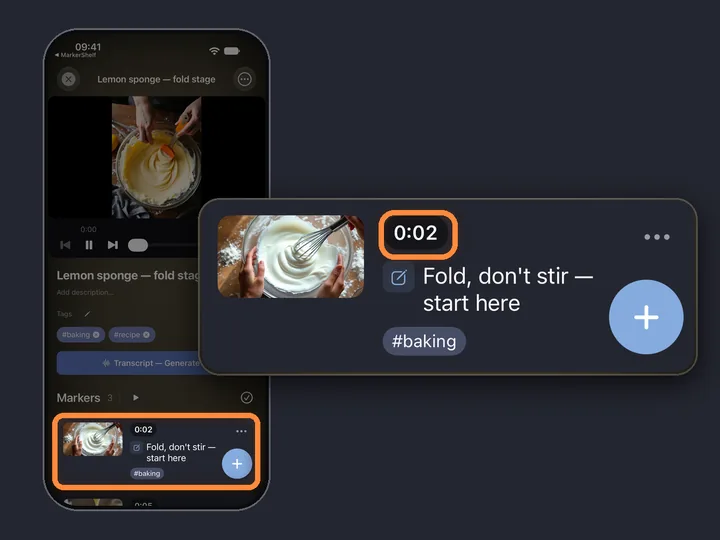
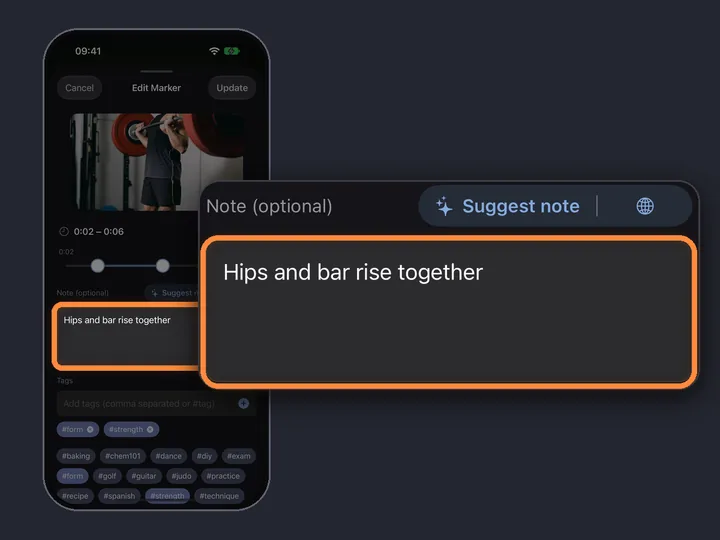
A timestamp link is easy to lose in a chat or a notes app. MarkerShelf is an iPhone and iPad app that saves the moment itself: a marker at that second, with your note, in a library of your videos.
Paste or share a YouTube link with a time into MarkerShelf and it opens the video at that second, with Add Marker ready.

Questions
About the YouTube timestamp link generator.
How do I link to a specific time in a YouTube video?
Add the time to the link: ?t=83 on a youtu.be link, or &t=83s on a youtube.com/watch link. Or paste the link above, type the time and copy the result.
How do I do it on iPhone or Android?
In the YouTube app, pause at the moment, tap Share and turn on the switch with the current time (for example 2:30) before you copy the link. If you don’t see it, note the time under the player, copy the link, paste it into this page in your phone’s browser, type the time and copy the new link.
Does it work with YouTube Shorts?
You can paste a Shorts link and get a timed link. The Shorts player may ignore the start time, so the tool puts a normal watch link first: it opens the same video in the regular player.
Can I set an end time?
Only for embedded videos. The embed link takes a start and an end, and the video stops at the end time. Normal YouTube links have a start time but no end.
Is anything uploaded?
No. The links are made in your browser. What you paste is never sent or saved, and the tool doesn’t load thumbnails or anything else from YouTube.
How do I make YouTube chapters from timestamps?
Switch to “List of timestamps”, paste one time and title per line, and copy the YouTube chapters block into your video’s description. The first chapter must be at 0:00, with at least 3 chapters of at least 10 seconds each, in time order. The tool warns you about any rule that isn’t met.