 MarkerShelf
Free tool · YouTube A–B loop
YouTube looper: loop part of a YouTube video
Paste a YouTube link, set where the loop starts (A) and ends (B), and that part repeats until you stop it.
- Free
- No sign-up
- Nothing to install
Paste a link above and tap Load video. The video plays here, from YouTube.
Loads from youtube-nocookie.com only after you tap.The video plays from YouTube. YouTube Terms of Service · Google Privacy Policy
Space play / pause[ set A] set B←→ move A or B by 1 s (Shift 0.1 s)
How to loop part of a YouTube video
YouTube’s own Loop setting repeats the whole video. To repeat just one part, use the looper above.
-
0:01
Paste the link and tap Load video
Most YouTube links work: youtube.com, youtu.be, Shorts, or a link with a time in it. The player loads from YouTube only when you tap.
-
0:02
Set A and B
Play to where the part starts and tap “Set A to current time”, then do the same for B. Or type the times, like 1:23 and 1:35. The −1s and +1s buttons fine-tune each point.
-
0:03
Play the loop
Tap “Play loop from A”. When the video reaches B it jumps back to A, and the counter shows how many loops you’ve done. Leave B empty to loop from A to the end.
Bookmark a loop: the page address keeps the video, A and B, so you can save it or send it to someone.
Practice tips
Short loops work best: a few seconds you can watch again and again without waiting.
Music
Loop the bar you can’t play yet and play along with it, pass after pass, until you get it.
Dance
Loop one 8-count. Set A a beat early so you can step in on time.
Sports and lifting
Loop a 3–5 second clip of the move and watch one body part per pass: feet, hips, then the bar or the ball.
Language shadowing
Loop one sentence and speak along with it until your timing matches.
Start a little early
Put A half a second before the note or the word, so the loop doesn’t cut in.
Why a video won’t loop here
The looper uses YouTube’s official embedded player, so it can only play videos that YouTube lets other websites play.
Playback on other sites is off
Some owners don’t allow their videos to play outside YouTube. The player then shows an error.
Private, removed or age-restricted
These videos don’t play in embedded players.
A content blocker stopped it
If nothing loads, allow youtube.com and youtube-nocookie.com for this page.
In those cases, open the video on YouTube. To make a link that starts at a given second, use the YouTube timestamp link generator.
On iPhone · MarkerShelf
Keep the loop for next time
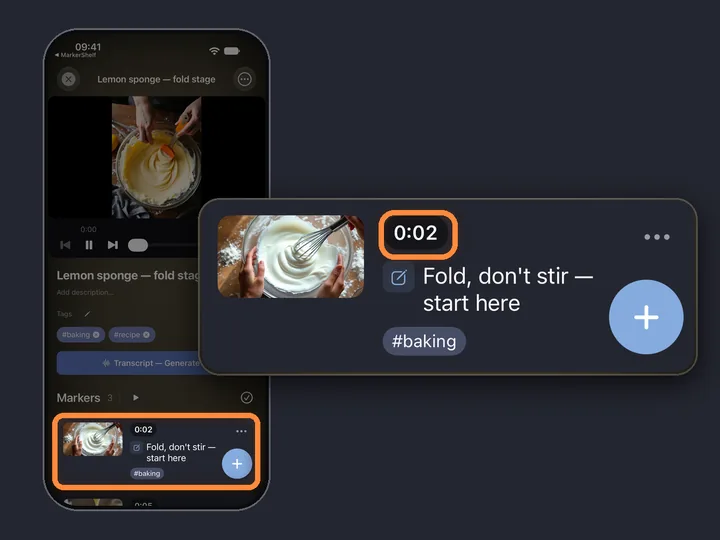
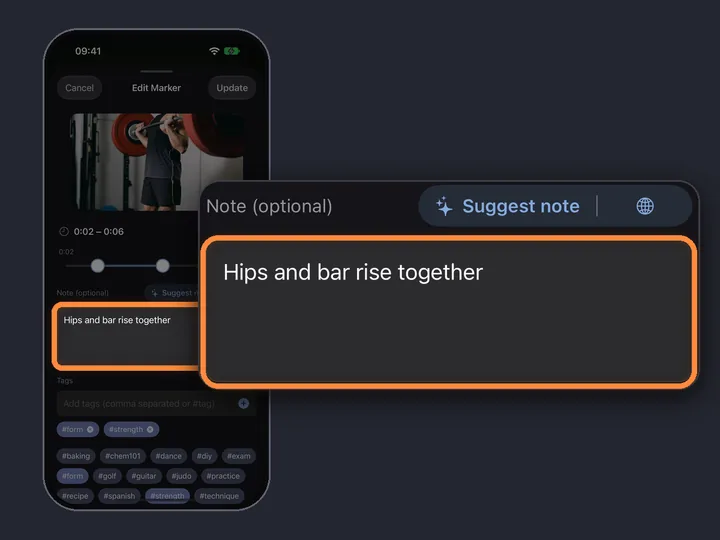
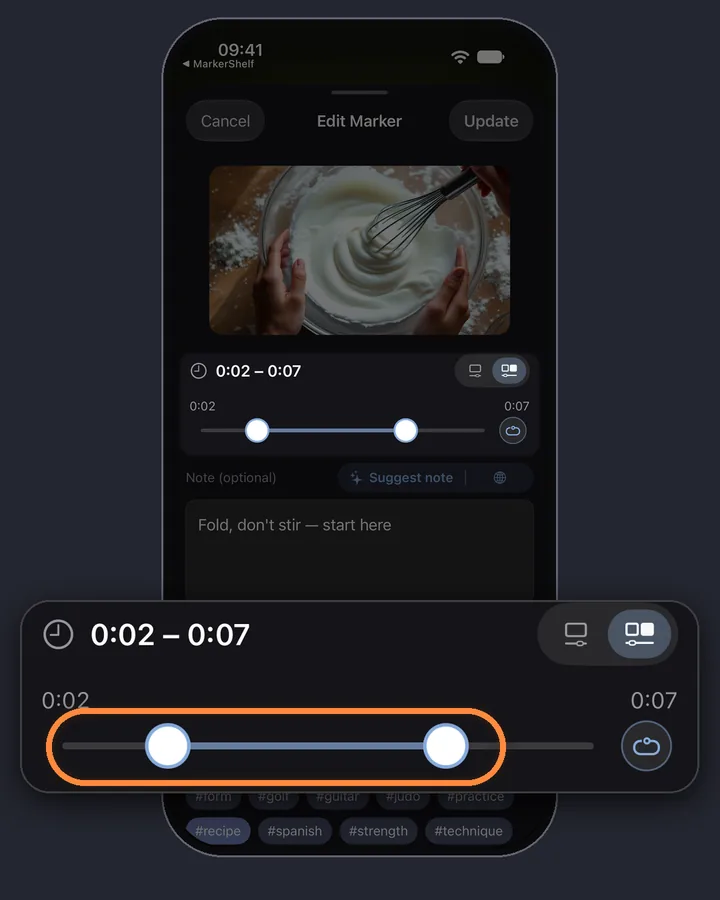
The looper forgets when you close the tab. In MarkerShelf, a loop is a range marker: a saved start, end and note that plays on repeat when you tap it.
Marker 3 range markers per videoPro unlimited
Questions
About the YouTube looper.
How do I loop a specific part of a YouTube video?
Paste the link above, tap Load video, set A where the part starts and B where it ends, and tap Play loop from A. That part repeats until you stop it.
Can I loop part of a YouTube video on iPhone?
Yes. This page works in Safari on iPhone: after Load video, tap play on the video once, then use the loop controls. To keep loops for later, MarkerShelf saves them as range markers with a note (Marker plan: 3 per video, Pro: unlimited).
Does it work with Shorts?
Yes, if the owner allows playback on other sites. Paste the Shorts link and the video plays here in the standard YouTube player.
Is anything saved?
We don’t store anything. The video, A and B are kept only in this page’s address after the #, so you can bookmark or share the loop. The video itself plays from YouTube, through youtube-nocookie.com, after you tap Load video, and YouTube’s terms and Google’s privacy policy apply to it.